

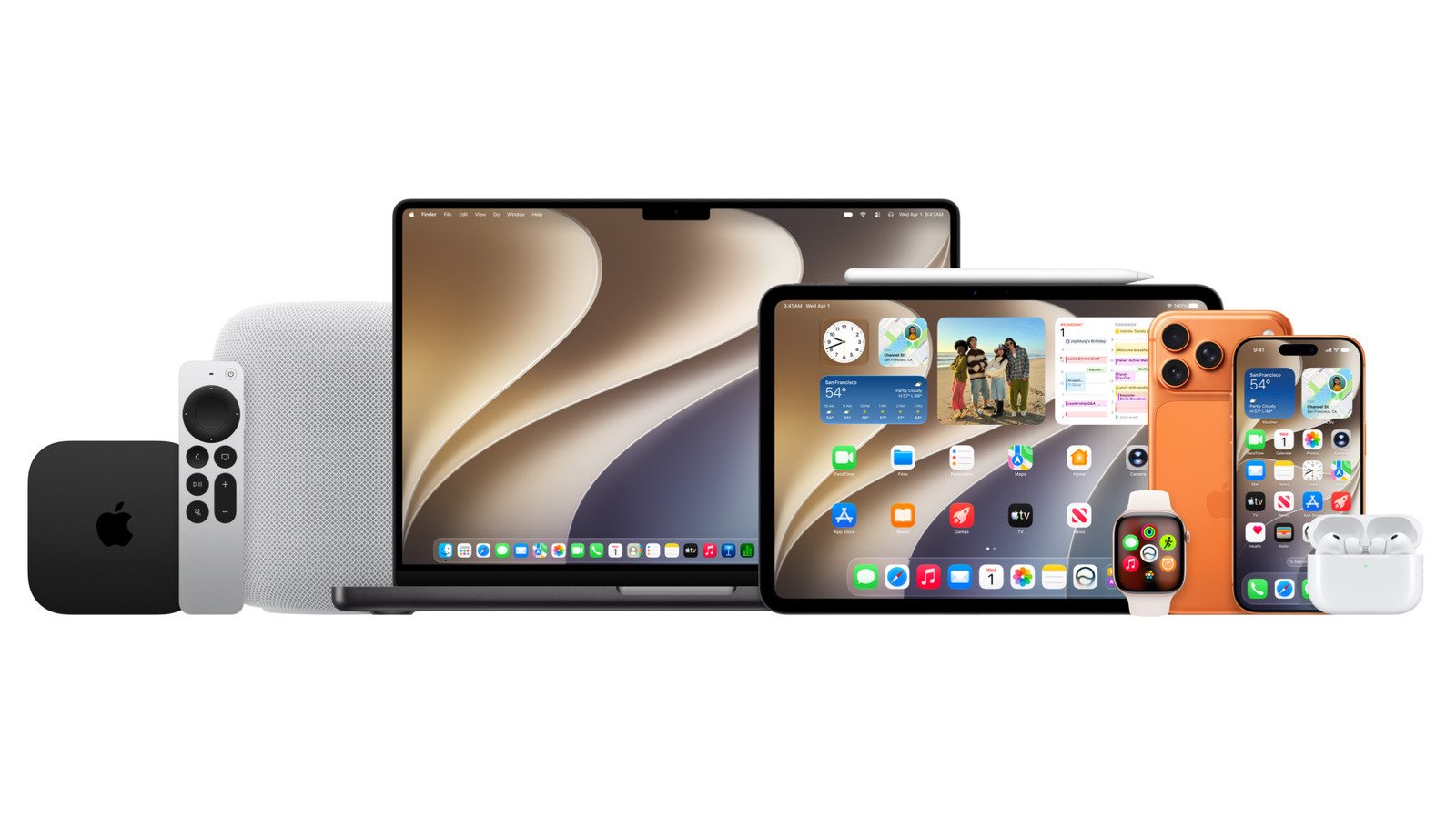
Experience the new Siri AI and system-wide performance improvements.
Apple
Siri and Apple Intelligence
Apple
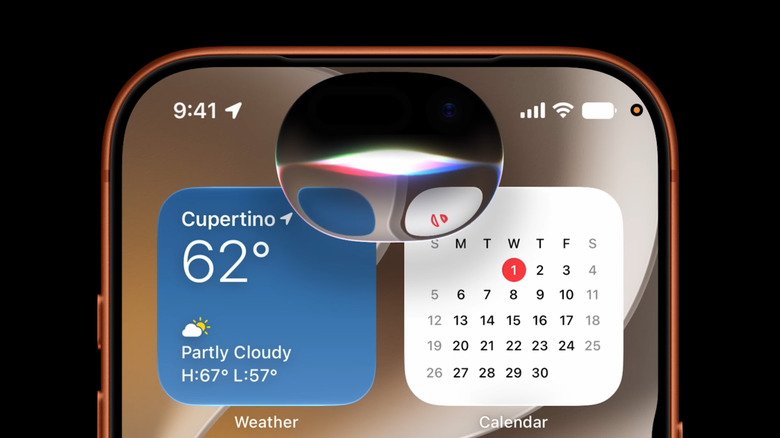
The headliner of iOS 27 is the long-awaited Siri AI. The new version evolves from a basic voice command system into a modern AI assistant. It can conduct natural conversations, understand next steps, answer questions about on-screen content, and perform multi-step actions within apps. On the latest Apple devices, you can even customize the expressiveness of the assistant’s voice. There is also a special Siri application that stores your history.
Siri AI is available in public beta for all Apple Intelligence-enabled devices. In early betas, there was a waitlist for developers to access the new assistant. So some patience may be required. The new Siri only works in English for now and will not initially be available in the EU.
Not all Apple Intelligence features are linked to Siri. Photos now has more robust editing tools, including Spatial Reframing, which adjusts the composition after the photo is taken. The Extend feature extends images beyond their original boundaries. There’s also an improved Cleanup tool that does a better job of removing unwanted objects. And Image Playground can now create higher quality images, including photorealistic styles.
Increased speed and additional features
Even if you don’t care about artificial intelligence, here’s the iOS 27 update that might interest you: Apple promises significant performance improvements across the board. The company says apps launch 30 percent faster, new photos appear in the Photos app 70 percent faster, and AirDrop transfers can happen up to 80 percent faster. (While I can’t vouch for specific numbers, my devices felt noticeably faster in early developer betas of iOS 27.)
Elsewhere, Safari can bring order to your workflow by automatically organizing tabs into groups. It also has a new “Notify Me” feature that monitors web pages for price changes or restockings. The Passwords app can detect weak passwords and update them automatically. And in the Shortcuts app, you can create new automations by describing what you want in natural language.
iOS 27 (and its siblings) also addresses criticism of last year’s massive design update: Liquid Glass. The new version has improved readability and also has a slider for adjusting the effect.
Once you’re up to date on the iOS 27 beta, you’ll be able to install the public beta for AirPods. The new software adds a customizable equalizer, an adaptive audio slider, and a new settings menu.
watchOS 27, macOS 27 Golden Gate and iPadOS 27
Apple
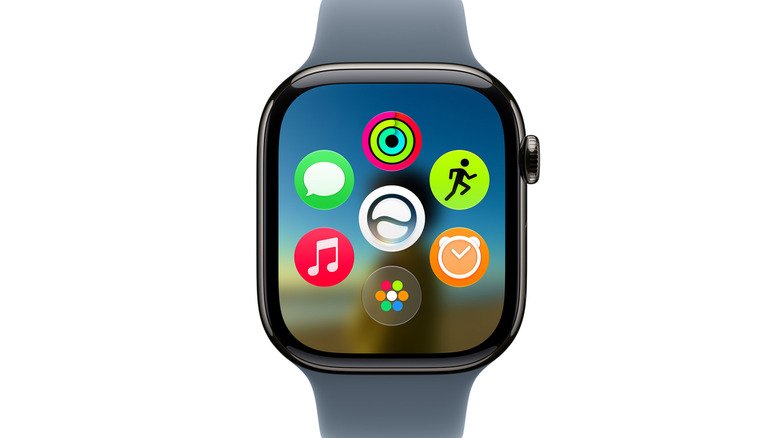
Siri AI will also be coming to the wrist, where it could be handy for answering questions during a workout or other times on the go. watchOS 27 adds a new dynamic app grid that shows you the apps you’re most likely to need. Apple Watch has a new one-tap gesture that lets you select a widget in the Smart Stack to view more information. (You can still double-tap to scroll.) Period tracking adds support for menopause and perimenopause. And Workout Buddy has received some updates: new workout data, the ability to work without an iPhone nearby, and support in Spanish.
Apple is positioning Siri AI as a productivity tool in macOS 27 Golden Gate. As with other devices, you can bring up Assistant directly from Spotlight, use it to analyze what’s on your screen, or rely on it to write help. There are also several Mac-specific Liquid Glass and other design improvements, including unified toolbars, edge-to-edge sidebars, and more refined window shapes and menu bar icons.
What about iPad owners? iPadOS 27 includes all of the aforementioned iOS 27 features, but there’s not much that’s unique to the tablet this year. Visual intelligence, which can analyze everything on your display through screenshots, works with Apple Pencil: just circle what you want to know. And support for external hard drives is getting stronger, with Apple saying that transferring files between iPad and SSD is now five times faster and “as fast as Finder on a Mac,” according to the company.
How to install
Please keep in mind that these are early versions of the software. There will likely be errors, battery drain, and other problems. (Apple hopes you’ll use the Feedback app to help optimize the software ahead of final release.) If you’re looking for a safer balance between cutting-edge features and stability, it wouldn’t hurt to wait for at least the second or third public beta.
If you’ve never installed preview software before, you’ll need to sign up for Apple’s beta testing program first. Once you are logged in, you can download the beta software by going to Settings > General > Software Update.. Under Beta updates select public beta “27” for your device.